






aPS3e - PS3 Emulator for Android
Run PlayStation 3 Games on Android
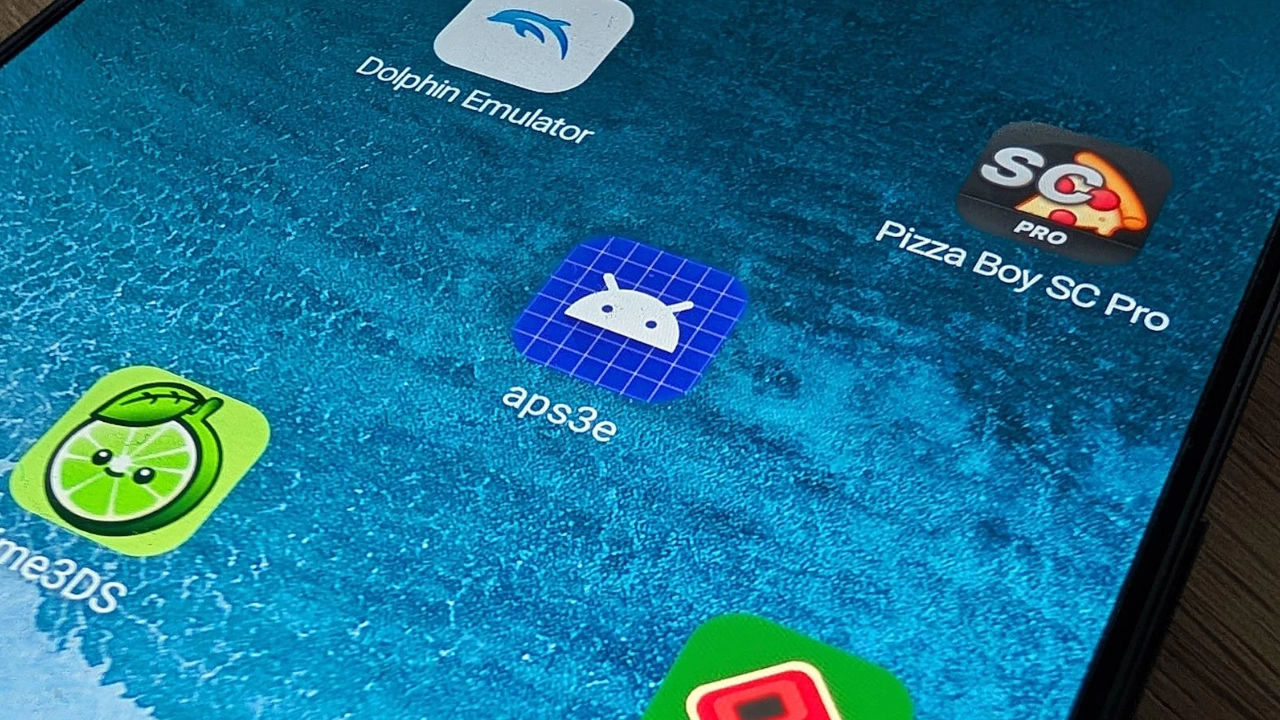
This emulator is built for one simple reason—to let you play PS3 games on Android without needing the actual console. PlayStation 3 emulation has always been a challenge. Unlike other solutions that require a PC, this emulator runs natively on Android.
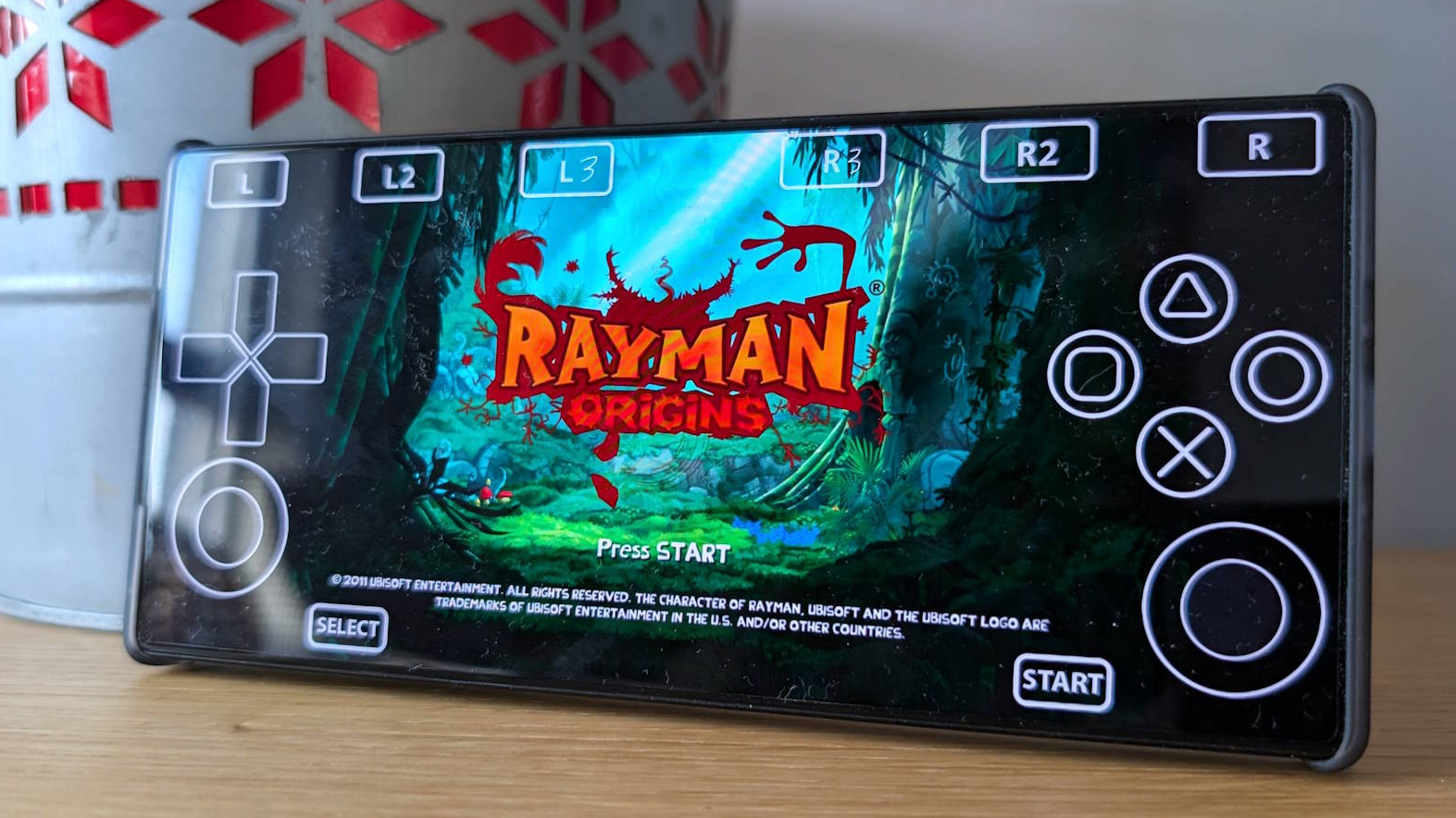
Touch & Controller Support
Built-in on-screen controls for easy gameplay.
Partial Bluetooth controller support.
Enhanced Performance
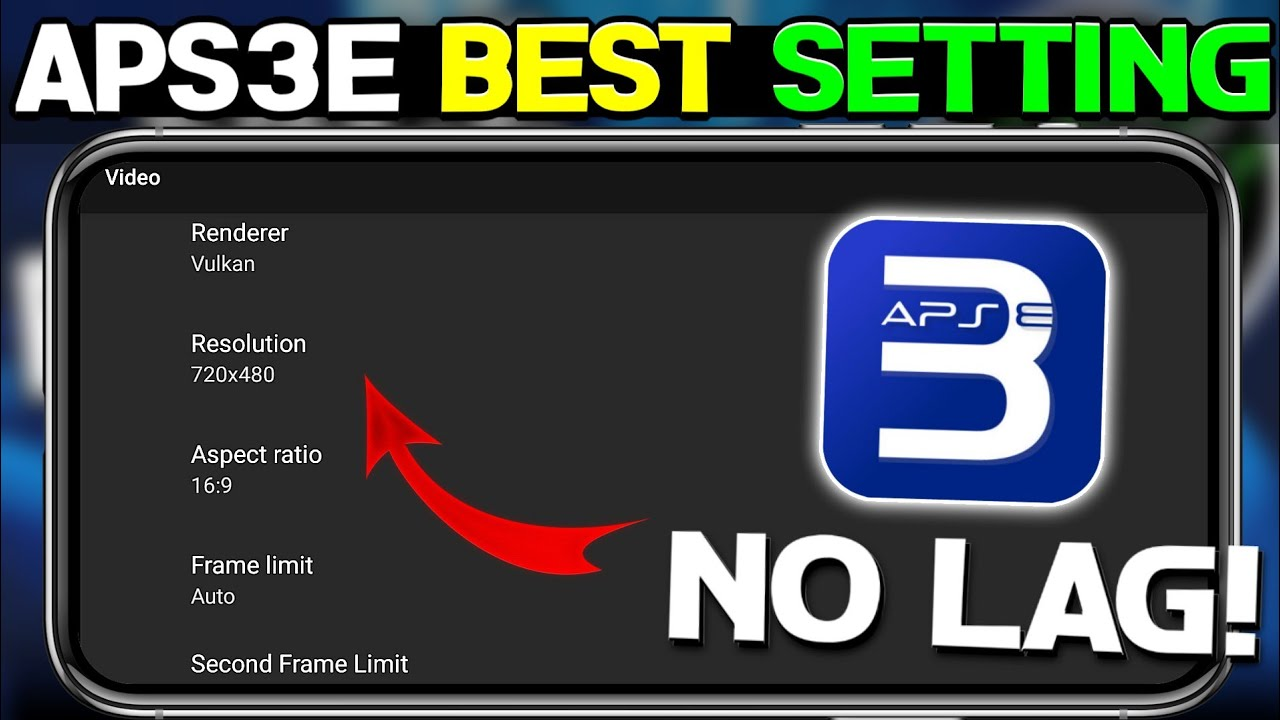
Uses Vulkan API for improved rendering.
Requires at least 4GB–12GB RAM for smoother performance.
Runs Select PS3 Games on Android
Successfully tested on high-end devices (e.g., Snapdragon 8 Gen 1+).
Supports lightweight games like Terraria, Limbo, and Rayman Origins.
Free & No Restrictions
No hidden fees, no sign-ups—just download and play.
Aenu - The Developer of aPS3e Emulator
The developer behind the APS3E PS3 emulator for Android brings a unique perspective to the project.
Residing in the countryside and following an unconventional path, he dedicate his focus to pioneering the complex task of bringing PlayStation 3 emulation to mobile devices.
For inquiries or connection, they can be reached via QQ (202983447) or WeChat (wx_aenu).
Get Started with aPS3e Emulator...
aPS3e Emulator Blog!!
Personal Finance Tips for Students: Budget-Friendly Gaming Strategies Using Your Emulator
How to Avoid Malware When Downloading PS3 ISOs: Cybersecurity for Gamers
Tips for Safer Online Payments When Buying Game Codes
Digital Banking and Secure Payments for ROM Purchases: What Gamers Need to Know
A Gamer’s Guide to Cryptocurrency: Earning and Spending Crypto in the Gaming World
Best Loan Apps for Gamers: Upgrade Your Gaming Setup Responsibly
How to Buy PS3 Games Securely Using Virtual Credit Cards
aPS3e Emulator is Now on Google Play Store!
aPS3e Games (PS3 ROMs)
Download Fallout: New Vegas PS3 ROM (Decrypted ISO)
Download Fallout 3 PS3 ROM (Decrypted ISO)
Download Yakuza 0 PS3 ROM (Decrypted ISO)
Download Medal of Honor: Warfighter PS3 ROM (Decrypted ISO)
Download LEGO Batman 2: DC Super Heroes PS3 ROM (Decrypted ISO)
Download GODZILLA PS3 ROM (Decrypted ISO)
Download Rio The Video Game PS3 ROM (Decrypted ISO)
Download Green Lantern: Rise of the Manhunters PS3 ROM (Decrypted ISO)
Table of Contents
What is aPS3e?
Unlike other emulators that require complex setups or external streaming, aPS3e runs natively on Android, translating PS3 instructions into a mobile-friendly format. The result? Smooth performance, real gameplay, and an easy-to-use interface—right in your pocket.
What is aPS3e?
- Name: aPS3e
- Category: Emulator
- Developer: aPS3e INC
- Compatible With: Android 7.0+
- Latest Version: v1.16a
- Last Updated: June 16, 2025
aPS3e lets you play some of the best PS3 titles right on your Android device. Games like GTA V, Demon’s Souls, The Last of Us, Assassin’s Creed II, Far Cry 3, and God of War can now be played without needing a console.
This isn’t just about convenience—it’s about bringing PS3 gaming to a whole new level, wherever you are.
Why Choose aPS3e?
This emulator is designed for gamers like you, whether you’re a casual player or a hardcore PS3 fan. Here’s what makes it stand out:
Key Features
- 🎮 Native PS3 Emulation on Android – No need for PC-based streaming. Just install, load your games, and play.
- ⚡ High Performance & Optimization – Smooth gameplay with minimal battery drain on high-end devices.
- 🚀 Ad-Free Experience – No distractions, just pure gaming.
- 🔄 Community-Driven Updates – Frequent improvements based on player feedback.
- 🎮 Controller Support – Connect Bluetooth controllers for a true console-like feel.
- 📂 Save & Load States – Pick up exactly where you left off, anytime.
System Requirements
To enjoy the best performance, make sure your device meets these minimum specs:
Requirement Details
- OS Version: Android 7.0+
- CPU: Octa-core 2.0GHz+
- RAM: 6GB (8GB Recommended)
- Storage: 64MB Free Space
- Root Access: Not Required
While mid-range devices can run some lighter games, a high-end Android device will provide the best experience.
How to Download & Install aPS3e
Getting started with aPS3e is simple:
- Download aPS3e – Click the button below to grab the emulator.
- Get PS3 Firmware – You’ll need official PS3 firmware for the emulator to function.
- Launch the Emulator – Open aPS3e on your Android device.
- Load the Firmware – In settings, select “Add Firmware”, then locate and import the file.
- Load Your Games – Add your legally owned PS3 game files.
- Start Playing! – Enjoy PS3 gaming, anytime, anywhere.
Pros & Cons
✅ Pros:
- Supports many popular PS3 titles
- High-quality graphics for a smooth experience
- Customizable game controls
- Save & load game states on the go
- Bluetooth controller support
❌ Cons:
- Best performance on high-end devices
- Requires BIOS and ROM files
Is aPS3e free?
Yes! No paywalls, no subscriptions—just pure gaming.
Do I need a BIOS file?
Yes, aPS3e requires official PS3 firmware to function properly.
Will it work on my phone?
If your device meets the minimum system requirements, it should work fine. However, higher-end phones offer the best performance.
Can I use my own game files?
Yes! But you must own a legal copy of any game you play.
Whether you’re revisiting old favorites or trying PS3 classics for the first time, aPS3e lets you game on your terms. So, download it now and start playing!
📧 Have questions? Contact me: [email protected]
Happy gaming! 🎮🔥
Important for Gamers!!
Personal Finance Tips for Students: Budget-Friendly Gaming Strategies Using Your Emulator
How to Avoid Malware When Downloading PS3 ISOs: Cybersecurity for Gamers
AI-Powered Game Recommendations: Are Emulators Ready for Machine Learning?
Tips for Safer Online Payments When Buying Game Codes
Digital Banking and Secure Payments for ROM Purchases: What Gamers Need to Know
A Gamer’s Guide to Cryptocurrency: Earning and Spending Crypto in the Gaming World
Using AI Algorithms to Optimize Emulator Performance: What’s Next for PS3 Gaming?
Best Loan Apps for Gamers: Upgrade Your Gaming Setup Responsibly
How to Buy PS3 Games Securely Using Virtual Credit Cards
Download aPS3e Emulator for Android
Download Now & Start Playing!
Get started in under 2 minutes! Play PlayStation 3 games on your Android today.
- Supported Formats: ISO, PKG
- Firmware Installation Required: Yes
- Version: aPS3e v1.22
aPS3e PS3 Emulator - PlayStation 3 Emulator for Android
This emulator is built for one simple reason—to let you play PS3 games on Android without needing the actual console. PlayStation 3 emulation has always been a challenge. Unlike other solutions that require a PC, this emulator runs natively on Android.
Price Currency: $
Operating System: Android
Application Category: Gaming, Emulation
4.9