
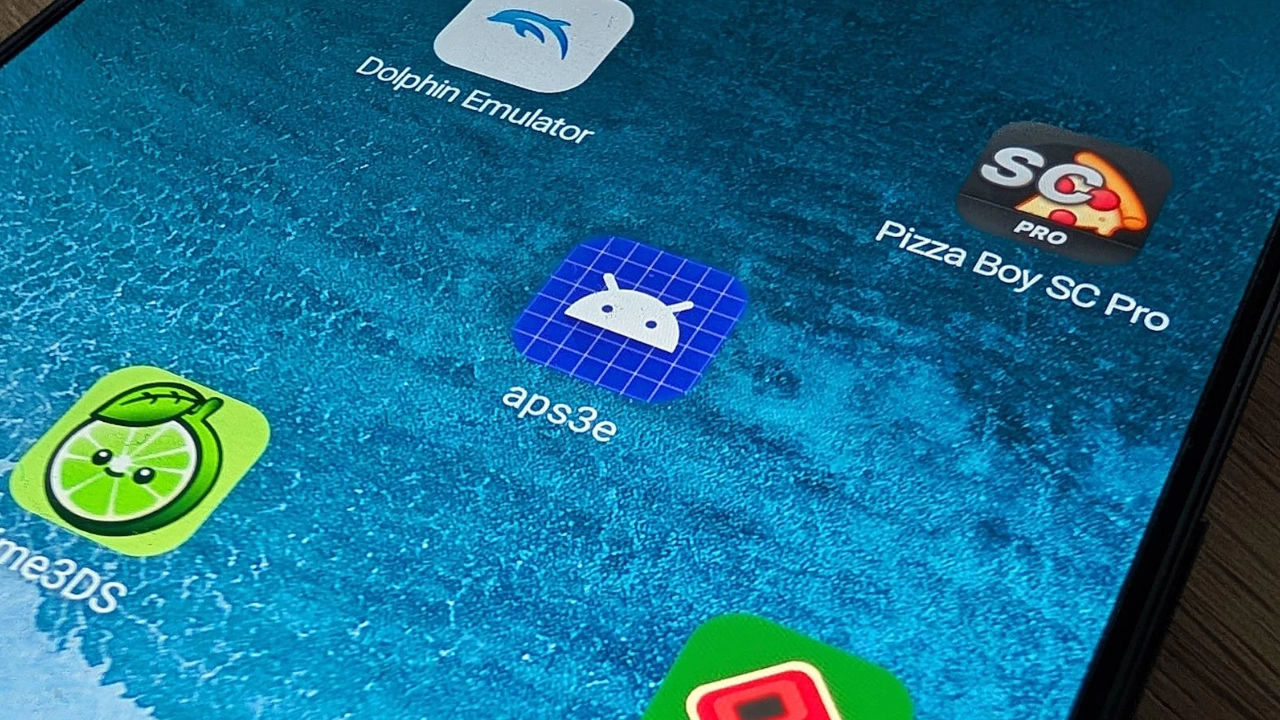
Download aPS3e – Official & Safe
Download aPS3e PS3 Emulator for Android (v2.39)
aPS3e is an experimental native PS3 emulator that brings the power of RPCS3 to mobile devices. No PC required — just high-end Android hardware and your legally owned games.

 Version: aPS3e v2.39
 Last Updated: April 15, 2026
 Supported Formats: ISO, PKG
 Firmware Installation Required: Yes
Download aPS3e Latest Version

Download aPS3e APK (Latest Version)
Download aPS3e APK (Older Versions)
How to Use aPS3e Emulator

How to Install PS3 Firmware on aPS3e Emulator on Android – Complete Step-by-Step Guide
June 25, 2026
9 Comments
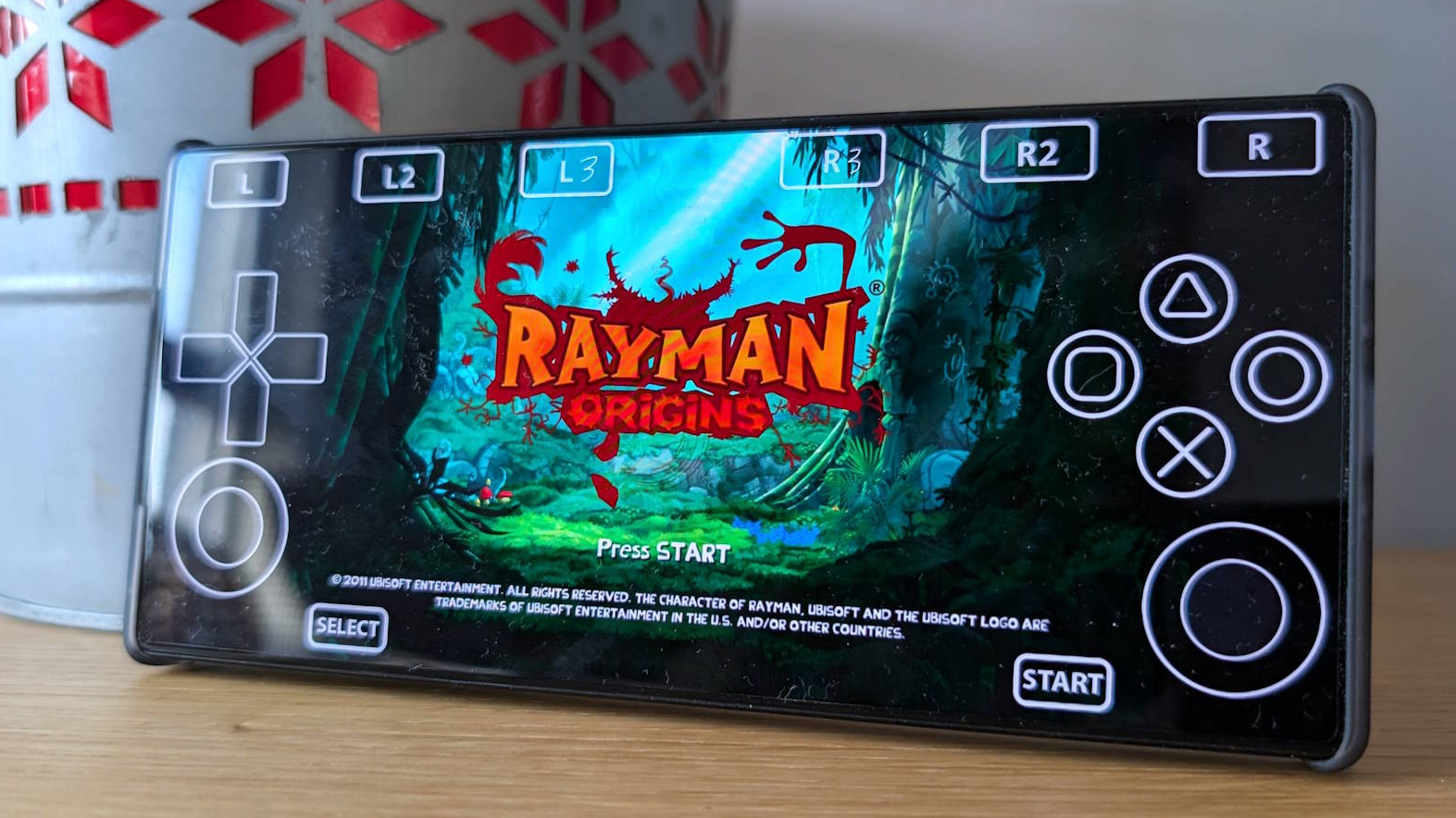
Complete Guide: How to Install and Load PS3 Games on aPS3e Emulator for Android
June 25, 2026
19 Comments
Table of Contents
Looking for the safest and easiest way to get the aPS3e PS3 emulator on your Android device? You’re in the right place.
The recommended and most secure method is to download aPS3e directly from the Google Play Store. This ensures you always get the latest verified version with automatic updates and maximum security.
Official Download Options
- Free Version (with ads) – Available on Google Play
- Premium/Donation Version – Supports the developer and removes ads (also on Google Play)
Why Download from Google Play?
- Verified safe files (no malware risk)
- Automatic updates as the emulator improves
- Official support from the developer “aenu”
We strongly advise against downloading APKs from third-party websites. These versions may be outdated, contain malware, or violate Google’s policies.
Quick Start After Downloading
- Install aPS3e from the Play Store.
- Download the official PS3 firmware (PS3UPDAT.PUP) from Sony’s website using your own console or legitimate sources.
- Prepare your legally owned PS3 game backups (ISO or PKG format).
- Launch the app and follow the in-app setup instructions.
Important Reminder
aPS3e requires you to provide your own firmware and games. Using pirated files is illegal and against our site’s policy. This emulator is for educational and legitimate backup use only.
Once installed, head over to our performance optimization guide to get the best possible experience on your specific device.
Frequently Asked Questions (FAQs)
What is aPS3e and how does PS3 emulation work on Android?
aPS3e is a native PS3 emulator for Android devices that brings PlayStation 3 games directly to your phone or tablet.
It is built by porting and optimizing the powerful RPCS3 engine for mobile hardware. Unlike PC streaming solutions, aPS3e runs games natively using Vulkan graphics for better performance.
Currently, it remains in active development, so results vary depending on your device.
It is currently the most accessible way to experience true PS3 emulation on Android without needing a PC.
Is aPS3e legal to use?
Yes, aPS3e itself is completely legal. Emulation is legal when you use your own legally owned PS3 games and firmware.
You must dump the official PS3 firmware from your own console and use game files (ISO or PKG) that you personally own. We do not provide, host, or link to any copyrighted material.
Using pirated games is illegal and against our site policy. aPS3e is not affiliated with Sony.
What are the system requirements for aPS3e?
aPS3e is demanding. For playable performance you need:
- Android 10 or higher (64-bit)
- Snapdragon 8 Gen 2 / 8 Elite, Dimensity 9400+ or equivalent
- 8 GB RAM minimum (12 GB+ recommended)
- Strong Vulkan support Lighter games may run on slightly lower devices, but demanding titles need flagship-level hardware. Always check our hardware guide for the latest tested devices.
Where can I safely download aPS3e?
The safest and recommended way is to download aPS3e directly from the Google Play Store. Both the free version and the premium (ad-free) version are available there.
We never recommend third-party APK sites, as they may contain malware or outdated files. Downloading from Google Play also gives you automatic updates as the emulator improves.
Does aPS3e support Bluetooth controllers?
Yes! aPS3e has excellent Bluetooth controller support. Popular controllers such as DualSense, Xbox, 8BitDo, and most generic Bluetooth gamepads work well.
You can also use on-screen controls if you prefer. Check our controller setup guide for the best mapping settings for smooth gameplay.
How do I set up PS3 firmware and games for aPS3e?
After installing aPS3e, you need to add your own official PS3 firmware (PS3UPDAT.PUP) and your legally owned game files.
The app will guide you through the process. Remember: you must obtain the firmware from your own PS3 console.
We provide step-by-step guides in the “Guides” section above to make setup as easy as possible.
Is aPS3e free to use?
Yes, aPS3e has a completely free version available on Google Play.
There is also a premium/donation version that removes ads and helps support the developer. Both versions offer the same core emulation features.
Why is PS3 emulation so challenging on Android?
The PS3 was a very powerful console with a complex Cell processor. Porting it to mobile devices is extremely difficult.
Even currently, aPS3e is still in active development. High-end Android phones are finally powerful enough to run it, but perfect performance for every game will take more time and optimization.
Will aPS3e get better in the future?
Absolutely. The developer is actively working on improvements.
With every update, compatibility, speed, and features get better. Follow our blog for the latest news, performance tests, and development updates on PS3 emulation for Android.
Is aPS3e better than other PS3 emulators on Android?
aPS3e is currently the most mature and accessible native PS3 emulator available on the Google Play Store.
Because it is built specifically for Android, it generally offers better performance and easier setup than other experimental options. We recommend trying the official Play Store version to see the difference yourself.
Download aPS3e Emulator v2.39 (+Old Versions) Android APK
aPS3e is an experimental native PS3 emulator that brings the power of RPCS3 to mobile devices. No PC required — just high-end Android hardware and your legally owned games.
Price Currency: $
Operating System: Android
Application Category: Gaming, Emulation
Editor's Rating:
4.9
4.9